Your phone, email, bank app, shopping accounts, and work logins all hold pieces of your life. If someone gets into them, the damage can feel a lot like losing your house keys, wallet, and photo albums at the same time.
That’s where cybersecurity comes in. In plain English, it means protecting your devices, accounts, networks, and data from digital attacks. If you’re new to the topic, the good news is simple: you don’t need to be a tech expert to understand the basics or use them well.
What is cybersecurity, in simple terms?
Cybersecurity is the practice of keeping computers, phones, apps, Wi-Fi, and online accounts safe from people or software that try to steal, lock, break, or misuse them. That includes personal data, like your passwords and bank details, and business data, like customer records or invoices.
Think of it like home security. Locks protect the door, alarms warn you about trouble, and good habits, like not leaving a window open, lower your risk. Cybersecurity works the same way. Some protection comes from tools, but a lot of it comes from what you do every day.
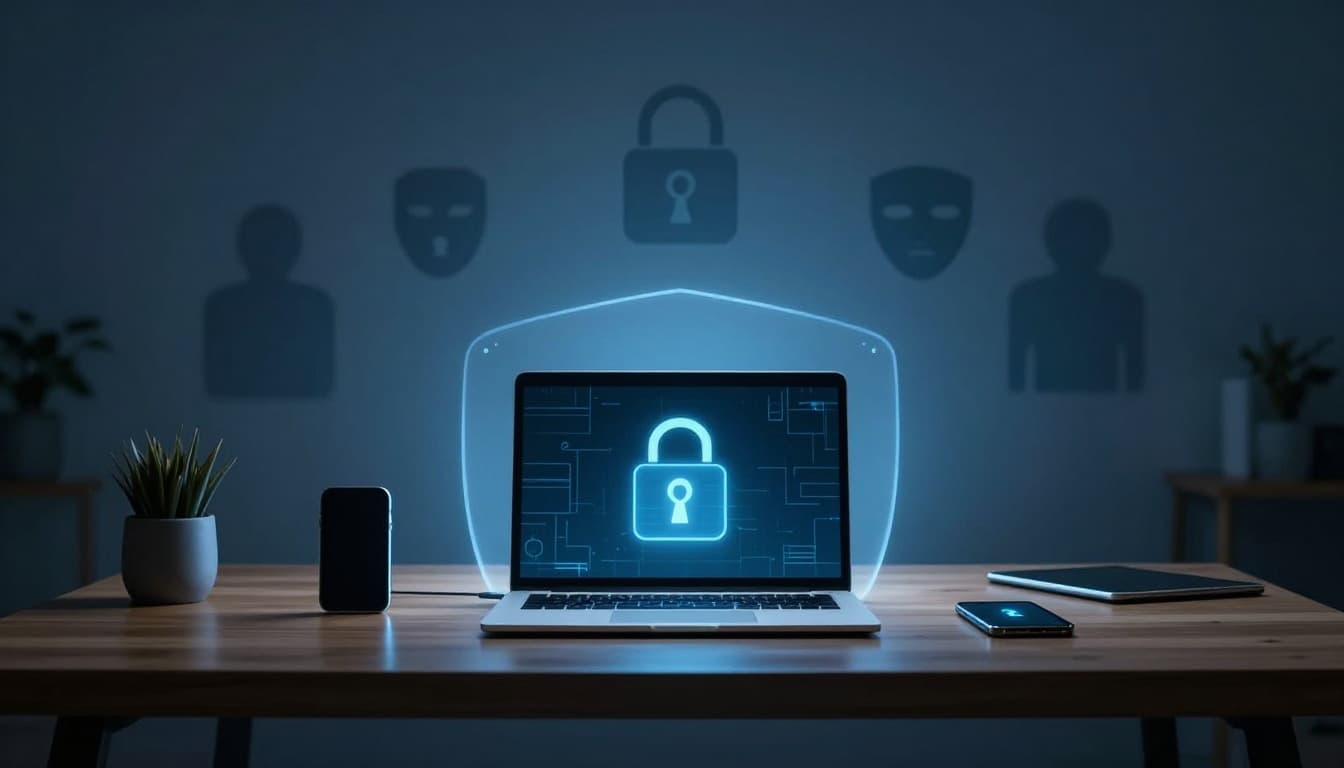
The three basic goals of cybersecurity
At the core of cybersecurity are three simple goals: confidentiality, integrity, and availability. If those sound formal, don’t worry. The ideas are easy.
Confidentiality means keeping private things private. Your bank login, tax records, and medical details should stay away from strangers.
Integrity means information stays correct. If someone changes a payment amount or edits a file without permission, integrity is gone.
Availability means you can still get to what you need when you need it. If ransomware locks your files, availability breaks down.
These three goals show up everywhere, from home accounts to big companies. If you want a simple outside explanation, SailPoint’s CIA triad overview gives a clear summary.
Why people, processes, and technology all matter
Many beginners think cybersecurity is only software. It’s not. Good protection rests on three parts: people, processes, and technology.
People matter because one rushed click can open the door to trouble. Processes matter because you need a plan, such as what to do if an account gets hacked. Technology matters because tools help block or reduce harm.
A few beginner-friendly examples make this easier to picture:
- Antivirus helps spot harmful software.
- Firewalls act like filters between your device and the internet.
- Encryption scrambles data so outsiders can’t read it.
- Multi-factor authentication adds an extra login step.
Most cyber problems don’t start with movie-style hacking. They start with a rushed click, a reused password, or an ignored update.
Why cybersecurity is important for beginners, not just tech experts
Beginners often think, “Why would anyone target me?” The answer is simple. Attackers usually look for easy openings, not famous victims. A weak password or fake email works on ordinary people every day.
That matters even more in 2026 because so much of life happens online. Recent US reporting shows cyber losses now top $81 billion a year, and attacks keep rising. Broader IBM cyberthreat trends for 2026 show that attackers are moving faster and using smarter tricks, often through trusted accounts and common tools.
How a cyber attack can affect your everyday life
A cyber attack can hit your routine in ways that feel immediate and personal. Someone might steal a password and break into your email. From there, they could reset other accounts, impersonate you, or scam your contacts.
In some cases, the damage goes further. Criminals may drain an account, open services in your name, or lock your files with ransomware. Family photos, school documents, tax files, and saved passwords can disappear in one bad moment.
Recent US cases show how real this is. Hospitals have had systems knocked offline. Large consumer platforms have forced password resets after data theft. When that happens, people lose time, money, and peace of mind.
Why small businesses and side hustles need basic protection too
Small businesses, freelancers, and side hustles are common targets because they often have fewer defenses. A solo seller, local shop, or part-time consultant may use the same email, router, and laptop for everything. That makes one weak spot more dangerous.
The fallout can be brutal. A hacked booking system can stop sales. A stolen customer list can hurt trust. Recovery costs, missed work, and panic add up fast. For a current snapshot, these small business cybersecurity statistics show how often smaller firms get hit.
The most common cybersecurity threats beginners should know
The good news is that many common threats are easy to understand. Better still, simple habits stop a lot of them. You don’t need to know every attack type. You need to know the ones you’re most likely to face first.

Phishing, fake messages, and social engineering tricks
Phishing is one of the biggest threats for beginners. It happens when a fake email, text, call, or website tries to trick you into giving away something valuable, like a password, code, or card number.
These messages often create urgency. They say your account is locked, your package failed, or your bank needs quick action. Social engineering is the broader idea behind it. Attackers use fear, trust, pressure, or curiosity to push you into making a mistake.
That’s why a strange message doesn’t need advanced hacking to be dangerous. It only needs you to act too fast.
Malware, ransomware, and unsafe downloads
Malware is harmful software that gets onto a device and causes damage. Some malware spies on you. Some steals data. Some slows your system or opens a back door for later attacks.
Ransomware is a type of malware that locks files and demands money to unlock them. It has hit hospitals, schools, and small companies across the US. For a beginner, the most common entry points are bad email attachments, fake apps, pirated software, and unsafe websites.
If a download seems shady, free, or too good to be true, there’s usually a catch.
Weak passwords, public Wi-Fi, and missed updates
Not every cyber risk comes from a dramatic attack. Many come from small habits that pile up over time.
Reusing the same password means one leak can spread across many accounts. Logging into banking or work tools on unsecured public Wi-Fi can expose traffic to the wrong people. Skipping software updates leaves known holes open longer than they need to stay open.
Recent 2026 threat reporting, including the Cloudflare Threat Report, points to a growing pattern: attackers often abuse trust instead of forcing their way in. That means your habits matter as much as your apps.
Simple cybersecurity habits every beginner can start today
Cybersecurity can sound heavy, but the first steps are low-stress. You don’t need a full security setup by tonight. Start with a few basics, and your risk drops right away.
Use strong passwords and turn on multi-factor authentication
A strong password is long, unique, and hard to guess. That usually means at least 12 to 16 characters and not using names, birthdays, or common words. The bigger rule is this: don’t reuse passwords across accounts.
A password manager helps because it stores strong passwords for you. Then you only need to remember one main password.
Also turn on multi-factor authentication, often called MFA. That means a second step, like an app code or phone prompt, after your password. If someone steals your password, that extra step can still stop them. For a simple breakdown, see the benefits of multi-factor authentication.
Keep software updated and learn to pause before you click
Updates fix bugs, patch security holes, and improve protection. Turn on automatic updates for your phone, browser, apps, computer, and router when you can.
At the same time, train yourself to pause. Check the sender name. Look closely at links. Watch for odd spelling, fake urgency, or messages that ask for money or login codes. Ten extra seconds can save hours of cleanup.
Back up important files and protect your home network
Backups matter because they give you a way back after a bad day. Store copies of important files in a trusted cloud backup, an external drive, or both. If ransomware hits, a clean backup can make all the difference.
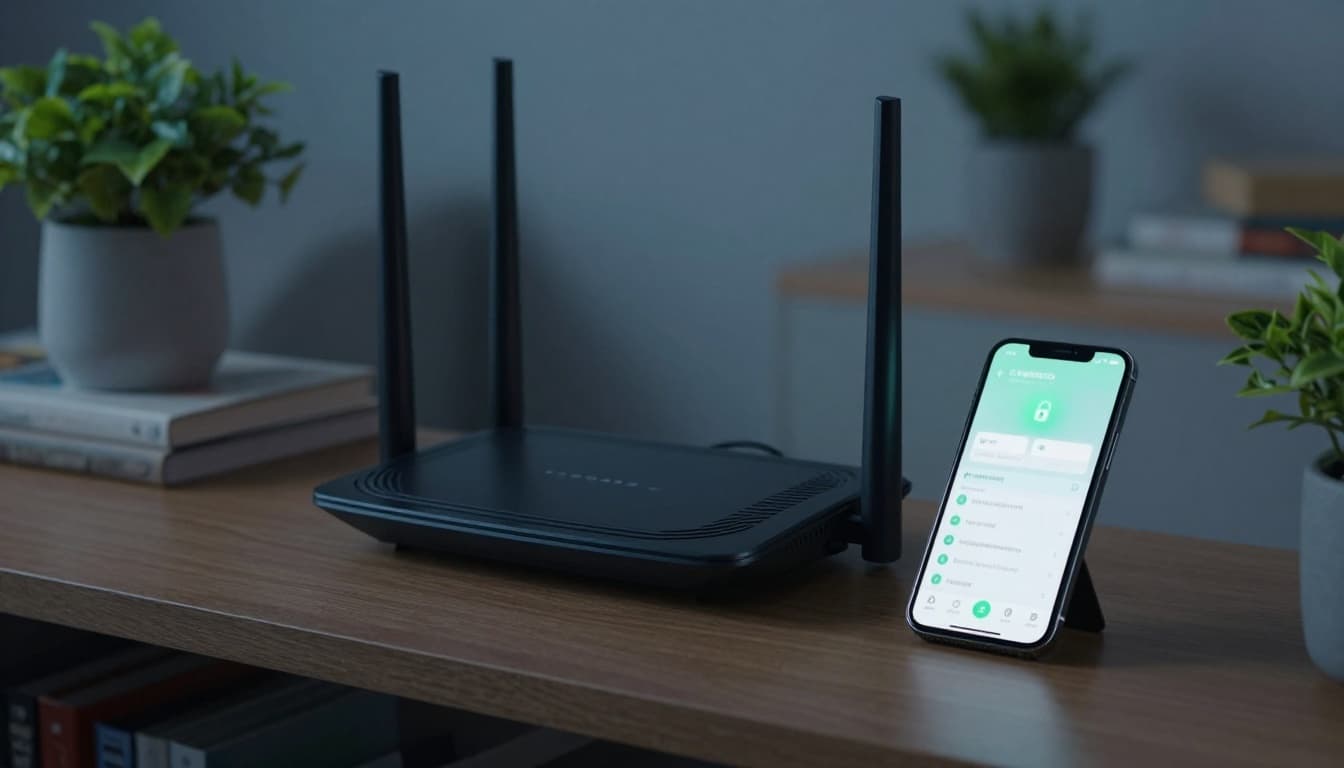
Your home Wi-Fi needs attention too. Change the router’s default password, use strong Wi-Fi encryption, and keep router software updated.
You don’t need a perfect setup. You need a safer one than you had yesterday.
Cybersecurity is really about protecting your daily digital life, not becoming an expert overnight. If you remember one thing, let it be this: small habits prevent big problems.
Start with one or two steps today, maybe stronger passwords and MFA, then build from there.
A safer online life doesn’t begin with fear. It begins with one smart change.