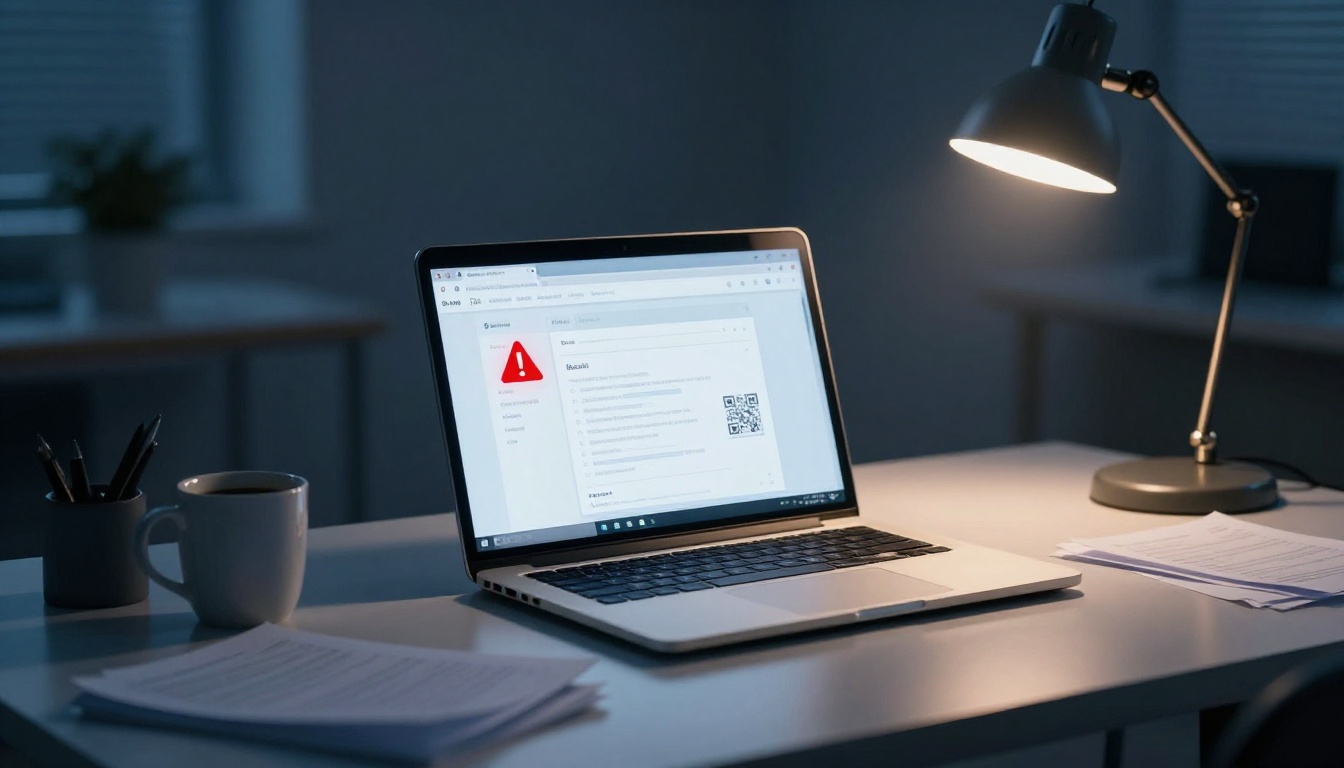
Fake emails don’t look fake anymore. In 2026, scammers use AI to write clean, personal messages that sound like your boss, your bank, or the shipping company you used yesterday.
That makes phishing harder to spot, especially when the email includes a QR code, a fake invoice, or a rushed warning. The safest habit is simple, slow down and check the signs before you click.
Start with the sender, not the message
Most people read the subject line first. A safer move is to check who sent it.
That matters because the display name can lie. An email can say “PayPal Support” or “Your Boss” while hiding a strange address underneath. Recent US reporting shows phishing remains one of the most common online threats, and AI-written emails are getting better at blending in. The FTC’s phishing scam advice is clear on one point, don’t trust the name alone.
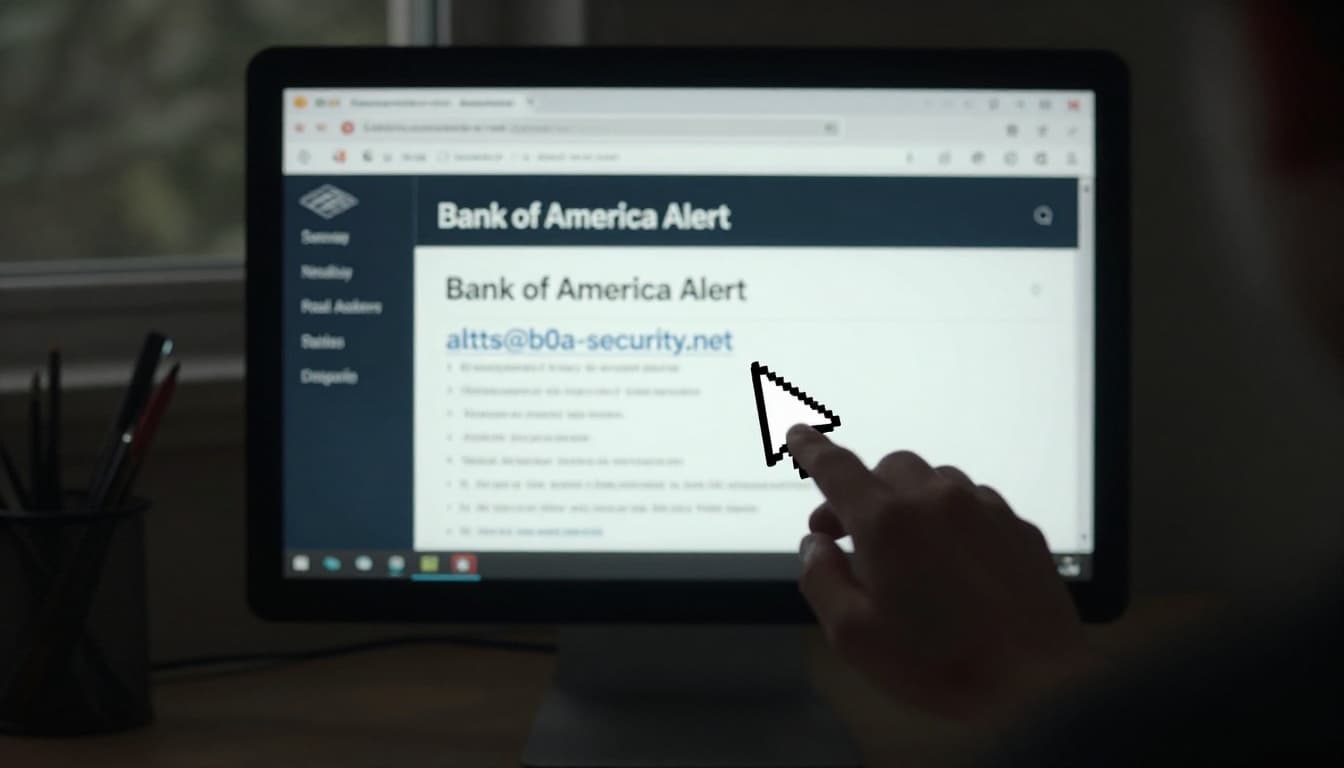
Look past the display name and check the full email address
Click or tap the sender details and read the full address. That one step catches a lot of scams.
Watch for small changes that are easy to miss, like extra letters, swapped numbers, or odd endings. For example, support@paypa1.com uses a number one instead of a lowercase L. hr@company-payroll.co may look close enough at a glance, but it still isn’t the real domain. Strange country domains can also be a clue if the sender should be US-based.
A real company usually sends billing, shipping, or security emails from a domain you already know. If the address looks stitched together, treat it like a fake ID.
Ask yourself if this sender makes sense right now
Timing tricks people. Scam emails often arrive during tax season, after a shopping spree, or right after a password reset request.
So pause and ask, “Was I expecting this?” If you didn’t order a package, why are you getting a missed delivery notice? If your payroll team never contacts you by email, why would they send a QR code asking for urgent action?
That small pause breaks the scam’s momentum. Phishing works best when you react on autopilot.
Spot the warning signs inside the email
A polished message can still be fake. Perfect grammar doesn’t clear it.
Scammers used to send sloppy notes full of spelling mistakes. Now AI helps them sound calm, neat, and personal. Some even jump into real email threads, which makes them feel familiar. So don’t use grammar as your main test.
Urgency, fear, and pressure are still the biggest clues
Phishing emails love panic. They warn that your account will close in an hour, your payment failed, or your package will be returned today.
Pressure is the point. When someone pushes you to act fast, think less, and keep it secret, they’re trying to control your next move. Common subject lines still lean on words like “urgent,” “review,” and “sign,” because those words trigger a fast response.
If an email demands speed, your best defense is to slow down.
A real company may warn you about a problem, but it won’t mind if you verify the message through its official site or app first.
Generic greetings, odd requests, and messages that feel slightly off
Some fake emails open with “Dear customer” even when the company knows your name. Others use your real name but make a strange request, like buying gift cards, sending a wire, or logging in through a fresh link.
Tone matters too. If your manager writes short, direct notes, a warm and chatty email may be a red flag. If your bank suddenly sounds like a sales rep, trust your gut. The FTC’s warning that phishing scams can be hard to spot fits 2026 well, because today’s scams often feel only slightly wrong, not obviously broken.
Check links, QR codes, and attachments before you do anything
Once a fake email gets your attention, it wants a click. That click is the trap.
Hover over links and type the website yourself if needed
On a computer, hover over the link and look at the real destination before opening it. On mobile, press and hold if your app supports link preview.
Compare the link with the sender’s claim. If the email says it came from your bank but the link goes to a random domain, stop. Be extra careful with shortened URLs and login pages reached through email links. If the message might be real, type the site yourself or use a saved bookmark.
Treat QR codes like links, because that’s exactly what they are
QR code phishing, often called quishing, has grown fast because people trust scans more than links. That trust is misplaced.
Scammers now hide bad links in fake package notices, parking fines, payroll alerts, and invoices. Recent reporting has highlighted rising QR code scam warnings, and the broader trend is hard to ignore. Between late 2024 and early 2025, security researchers found more than 1.7 million unique malicious QR codes in email attachments. If a QR code arrives out of nowhere, don’t scan it until you verify the sender another way.
Be extra careful with attachments, shared files, and fake verification screens
Unexpected PDFs, Office files, ZIP files, and cloud-share invites deserve caution. A file labeled “invoice” or “secure document” can still carry malware.
Watch for fake CAPTCHA screens and fake file previews too. Those pages often try to steal your password or trick you into copying commands. If you didn’t ask for the file, don’t open it. If you must open it for work, scan it first and confirm it with the sender using a trusted contact method.
What to do if an email might be fake, or if you already clicked
Panic makes mistakes worse. A calm check works better.
How to verify a message without putting yourself at risk
Contact the company or person through a phone number, app, or website you already trust. Don’t use the contact details inside the email.
If the message targeted your work account, send it to IT or your security team. You can also report phishing through your email provider. Google explains how to avoid and report phishing emails in Gmail, and many other providers offer similar tools.
Fast recovery steps if you clicked, scanned, or replied
Move fast, but stay methodical:
- Disconnect your device if you opened a file and something started downloading.
- Change passwords from a clean device, starting with email and banking.
- Turn on app-based two-factor authentication if you haven’t already.
- Run a malware scan and review recent account activity.
- Call your bank or card issuer right away if payment info was exposed.
- Watch your accounts for months if personal data may have leaked.
Fake emails win when people react fast. You stay safer by slowing down and checking the sender, the context, the links, the QR code, and the file.
The next time an email feels urgent or slightly off, don’t trust the pressure. Verify it through a channel you already know.