Your phone holds your bank apps, passwords, photos, messages, and often your work life too. That makes it one of the richest targets a hacker can find.
In March 2026, that risk is not abstract. Attackers are pushing phishing texts, fake apps, SIM-swap scams, spyware, and stolen login codes. Google also patched major Android flaws this month, and US warnings have highlighted iPhone bugs tied to spyware and crypto theft.
The good news is simple, you don’t need to be a security pro. A few strong settings and better daily habits will shut down most common attacks on both iPhone and Android.
Start with the security settings that protect your phone right away
Begin with the fixes that give you the most protection in the least time. On iPhone, check Settings under Face ID & Passcode, Privacy & Security, and App Store. On Android, look in Settings under Security, Privacy, Lock Screen, and system update menus.
Use a stronger screen lock than a simple pattern or short PIN
A weak lock is like a flimsy front door. If someone gets your phone, a 4-digit PIN or swipe pattern gives them a much better shot than you’d like.
Use a 6-digit PIN or longer, or a full password if you don’t mind the extra step. Skip birthdays, repeating numbers, and easy patterns. Patterns also leave finger-trace clues on the screen, which makes them easier to guess.
Biometrics help too. Face ID and fingerprint unlock are fast, and that matters because people use security when it feels easy. Still, your backup PIN matters most, because that’s what protects the phone when biometrics fail.
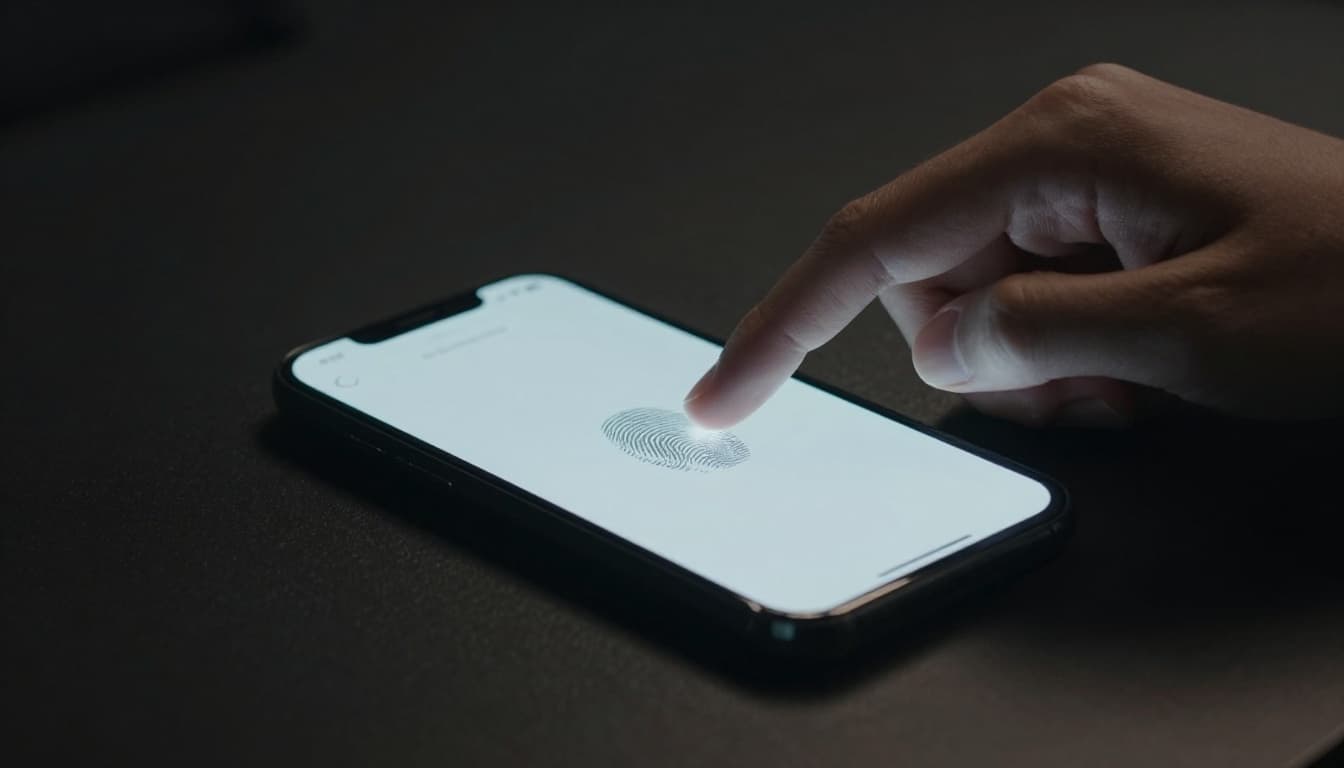
Also shorten your auto-lock time. One or two minutes is better than five. Then turn off lock-screen previews for texts and email, so strangers can’t read security codes or private messages without unlocking your phone. If you want a good overview of secure iPhone and Android basics, this guide on secure iOS and Android devices is a useful extra read.
Turn on software updates so security fixes install fast
Updates are not cosmetic. They patch holes that attackers already know how to use.
That matters even more right now. In March 2026, Google pushed fixes for a serious Qualcomm Android flaw under limited attack, plus many other Android bugs. At the same time, US alerts flagged iPhone flaws used in spyware and theft-focused attacks. If you delay updates, you’re leaving known doors open.
Turn on automatic OS updates and automatic app updates. Then check once a week anyway, because some carriers and phone makers roll out patches at different speeds.
Don’t forget apps. A hacked phone is bad, but an outdated banking, email, or messaging app can also leak data or expose logins. If an app has been abandoned for months, replace it. Dead software is a quiet risk.
Protect your accounts, not just your device
A locked phone helps, but it won’t save weak accounts. If your email or bank login is easy to crack, the phone itself becomes a side note.
A secure phone and secure accounts work together. You need both.
Replace weak passwords with unique ones and store them safely
Password reuse is one of the oldest traps online, and it still works. If one site gets breached and you reused that password, attackers can try it everywhere else.
Use a different password for every important account. Make them long, random, and hard to guess. You don’t need to memorize them all, because a trusted password manager can store them and fill them in for you.
Start with the accounts that unlock everything else. That usually means:
- Email: It resets other passwords.
- Banking and payment apps: They carry direct money risk.
- Cloud storage and photos: They hold personal files and backups.
If you change only three passwords today, change those first. Once your email is strong, recovery attacks get much harder.
Use an authenticator app instead of text message security codes
Text message codes are better than no second factor, but they’re no longer the best choice. Attackers can steal those codes through phishing, malware, or a SIM swap, where they trick a carrier into moving your number to their device.
An authenticator app is safer because the code stays tied to your device, not your phone number. That cuts out one of the easiest attack paths. If you’re comparing options, this breakdown of authenticator app vs SMS explains the tradeoff clearly.
Turn this on first for email, banking, password manager access, and your main social accounts. Then save your backup codes somewhere safe, preferably offline or inside your password manager. If your phone breaks or disappears, those backup codes can be the difference between a small headache and a locked account.
Avoid the most common ways hackers get into smartphones
Most phone hacks don’t start with a secret lab attack. They start with a tap, a rushed login, or a bad app install.
Spot phishing texts, fake calls, and scam links before you tap
Scam messages are built to rush you. A fake package notice, bank alert, job offer, tax warning, or password reset can push you to act before you think.
Slow down when a message feels urgent. Don’t tap the link. Open the brand’s app or type the site address yourself. That one habit blocks a huge number of attacks.
Text-based phishing, often called smishing, is still one of the biggest mobile threats. If you want examples of what these scams look like, see what smishing looks like. In 2026, scammers are also using cloned voices and fake video clips to sound more convincing. So if a call or video asks for money, codes, or gift cards, verify it through another channel.
Download apps carefully and review permissions often
Fake apps are still one of the easiest ways to infect a phone or steal data. Stick to the Apple App Store and Google Play whenever possible. Even then, pause and check the developer name, reviews, and update history before you install.
Be extra careful with random document files, APKs, and links sent through text, Telegram, or email. A “tracking app” or “PDF viewer” from the wrong source can turn into spyware fast.
Permissions matter too. Ask yourself a simple question, does this app truly need access? A flashlight app doesn’t need your contacts. A note app probably doesn’t need your microphone. Review access to camera, mic, contacts, location, and photos every few months and turn off anything that feels excessive. Less access means less damage if an app turns bad.
Add extra layers of protection for high-risk situations
Some settings are not for every day, but they matter when risk goes up. Travel, public attention, sensitive work, and security warnings all raise the stakes.
Use built-in advanced protection features on iPhone and Android
Both major phone platforms now offer stronger defensive modes. On iPhone, Apple has About Lockdown Mode, which strips back risky features to reduce attack paths. On newer Android devices, features like Advanced Protection on Android 16 do something similar.
These tools can block some attachments, limit unknown connections, and tighten background behavior. In plain terms, they make the phone less convenient, but also harder to exploit.
Most people won’t need them full-time. Still, they’re worth turning on if you’re traveling abroad, handling sensitive work, dealing with harassment, or you get a serious security warning from Apple, Google, or a trusted employer. Think of them like storm shutters. You may not need them every day, but when weather gets rough, they matter.
Defend against SIM swapping, unsafe Wi-Fi, and phone theft
SIM swapping can hijack your number and your text codes. Set a SIM PIN on the phone, then add a separate carrier account PIN so customer support can’t move your number with basic personal details. This guide on protect yourself from SIM swapping covers the basics well.
Public Wi-Fi is another weak spot. Avoid banking, password resets, and work logins on open networks. If you must use public Wi-Fi, use a trusted VPN and stick to apps and sites you know.
Then plan for the worst. Turn on Find My iPhone or Find My Device. Make sure remote lock and remote erase are ready before you lose the phone, not after. Keep regular cloud or computer backups too. If your phone gets stolen, recovery is faster when your data is already backed up and your wipe tools are set.
A hacked phone can feel like a house key, wallet, and diary rolled into one. That’s why the best defense is layered: a strong lock, fast updates, safer logins, careful app installs, and a healthy pause before tapping anything.
Start with the basics today, not someday. Turn on auto-updates, switch to an authenticator app, and review your screen lock before you put the phone down.
Your phone doesn’t need perfect security. It needs stronger habits than the attacker expects.