Social media can reveal more than most people think. A birthday post, vacation selfie, or proud photo outside work can hand strangers pieces of your identity.
That matters because cybercrime keeps getting more expensive. Recent U.S. figures show the FBI logged $16.6 billion in reported cybercrime losses in 2024, while FTC fraud losses hit $12.5 billion. Small privacy mistakes can lead to scams, stalking, identity theft, and account takeovers.
You don’t need to stop posting. You need smarter habits, and they start with what you share.
Start with the personal details you should never share publicly
A social profile should feel like a front porch, not an open filing cabinet. The first layer of protection is simple: keep your most sensitive details off public posts, bios, and comments.
Avoid sharing these details where strangers can find them:
- Full birth date: Scammers use it with your name and city.
- Home address and phone number: This can lead to stalking, spam, or fraud.
- Personal email: Public emails attract phishing and account reset attempts.
- School and workplace details: Uniforms, badges, and office signs can expose routines.
- Travel plans and live location: These tell people when you’re away from home.
- Financial details and security answers: Pet names, your first school, and your mother’s maiden name are gold for attackers.
Even harmless posts can expose more than you meant to share. A caption about your “first car,” a birthday cake photo, or a back-to-school picture can answer common security questions without you noticing.
Private details also hide in plain sight. Street signs, apartment numbers, mail on a counter, or a work badge in the corner of a mirror selfie can give away more than the post itself. That’s why privacy isn’t only about what you type. It’s also about what your camera catches.
Watch for hidden clues in photos, videos, and profile bios
Photos leave breadcrumbs. A license plate, package label, event ticket, kids’ school logo, or geotag can connect your online identity to your real-world life.
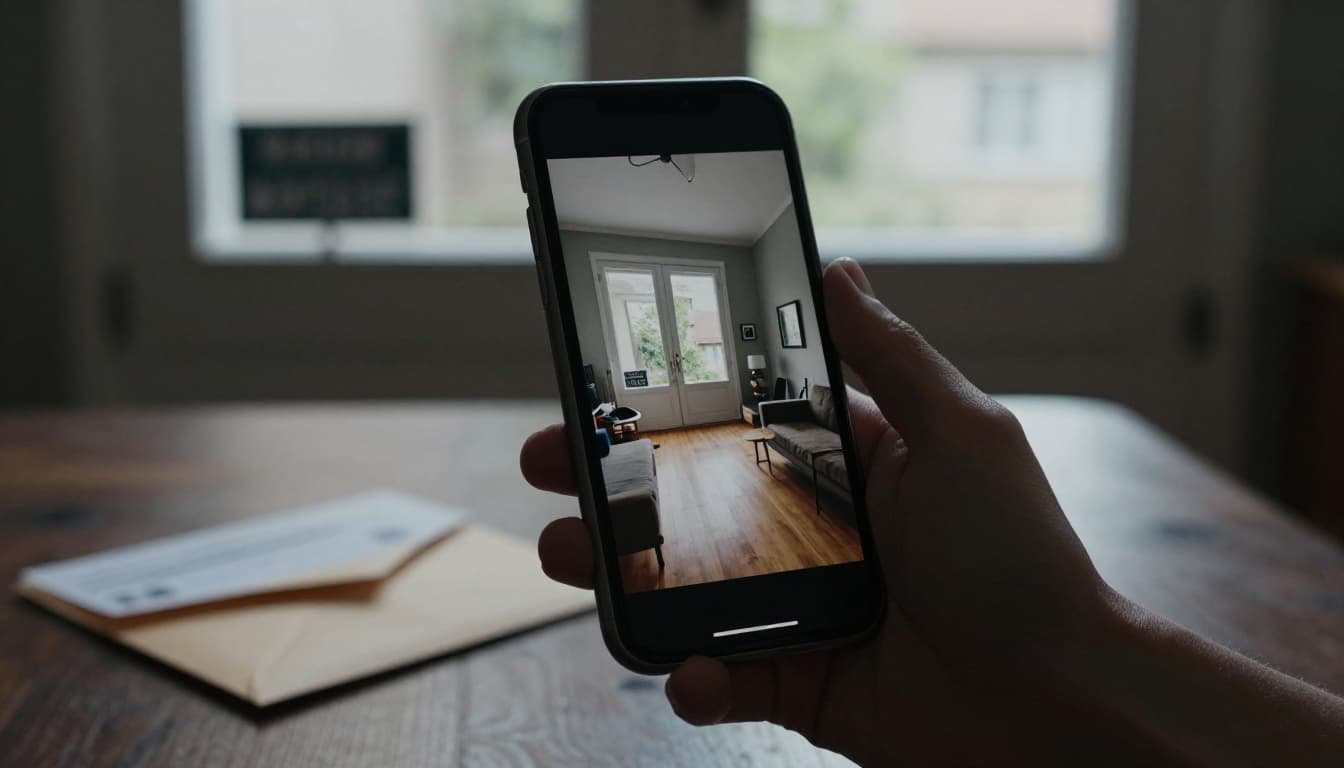
Some photos may also contain hidden metadata, often called EXIF data. Depending on the app and file, that data can include time, device details, and sometimes location. This plain-English EXIF privacy guide explains why image files can say more than the picture itself.
Profile bios can cause the same problem. A bio that lists your town, employer, school mascot, and graduation year may look friendly, but it also makes impersonation easier. Screenshots raise the risk even more. Once someone saves your post, deleting it later won’t pull it back.
Think before you post, especially when sharing in real time
Real-time posting creates the biggest gap between what feels fun and what stays safe. A beach story, a gym check-in, or a “home alone with the dog” post can tell strangers exactly where you are, or where you aren’t.
Delay travel posts until you’re back. Skip routine check-ins that show your daily pattern. If you want to share a concert, game, or dinner out, post after you leave.
If a post tells strangers where you are right now, save it for later.
That small pause protects your home, your schedule, and the people with you.
Lock down your accounts with stronger login and privacy settings
Posting less helps, but account security matters just as much. If someone gets into your account, they can read messages, impersonate you, and use your contacts as new targets.
Start with the basics on every platform: use a long, unique password, turn on two-factor authentication, and review privacy settings every few months. Set posts, stories, tags, comments, and DMs to the most private option you’re comfortable with.
Use a password manager and stop reusing old passwords
Password reuse is like using one house key for your car, office, and mailbox. If that key gets copied once, everything opens.
Data breaches make reused passwords risky because stolen logins get tested on other apps. That’s why one old password from a shopping site can lead to a social media takeover months later. A password manager fixes the habit by storing strong, unique passwords for you. If you want help comparing tools, PCMag’s 2026 password manager picks are a solid place to start.
Long passwords matter more than clever ones. A random passphrase stored in a manager beats a short “memorable” password every time.
Turn on two-factor authentication for every social media account
Two-factor authentication adds a second lock. Even if someone steals your password, they still need your code or approval to get in.
Use an authenticator app when possible. A security key is even stronger. SMS codes are better than nothing, but they’re usually the weakest option. Also turn on login alerts, so you’ll know fast if a new device signs in.
Most account takeovers aren’t magic. They happen because one password leaks and no second barrier stands in the way.
Adjust privacy settings on each platform before you post anything
Privacy tools differ across apps, so don’t assume one good setup covers everything. In 2026, platforms have made quiet changes in response to new state privacy laws, but defaults still vary. You need to check inside each app.
Look at audience controls, tag permissions, location settings, message requests, profile visibility, and whether others can download or share your content. A handy social media privacy quick guide can help if you want a side-by-side reminder.
Facebook and Instagram settings that help limit who sees your content
On Facebook, run Privacy Checkup first. Set future posts to Friends only, limit who can find you by email or phone number, and review third-party app permissions. Also turn on tag review if you don’t want surprise posts tied to your profile.
On Instagram, switch to a private account unless you truly need public reach. Use Close Friends for stories that don’t belong on your full audience list. Limit who can mention or tag you, hide your activity status if you want less exposure, and turn off location tags unless they’re necessary.
Message controls matter too. Restrict DMs from people you don’t follow, or send them to requests only. That one change cuts down a lot of spam and scam attempts.
TikTok, X, LinkedIn, and Snapchat controls worth changing today
TikTok gives you more control than many users realize. Make your account private, limit who can comment, and lock down Duet and Stitch permissions. Turn off downloads if you don’t want others saving your videos. Also check location access in your phone settings, not only inside the app. For a broader look at platform safety habits, this 2026 update for Instagram, TikTok, and Snapchat is useful.
On X, protected posts can keep your updates visible only to approved followers. Avoid adding location to posts, and think twice before posting live events from your regular routine.
LinkedIn needs care because it mixes personal identity with work history. Review profile visibility, hide your contact info from public view, and turn off activity broadcasts if you don’t want every change announced.
Snapchat should stay tighter than many people leave it. Turn on Ghost Mode, use My Eyes Only for private snaps, limit contact to actual friends, and disable Quick Add if you don’t want strangers finding you.
Spot scams, fake messages, and risky links before they reach your data
A lot of privacy problems don’t start with hacking. They start with manipulation. Someone pressures you, flatters you, scares you, or creates a fake sense of urgency, and then you click.
That’s why social engineering works so well. Fake giveaways, romance scams, impersonation, and “support” messages often look normal at first. Stay calm, slow down, and verify before you respond.
Common red flags in DMs, comments, and friend requests
Watch for pressure, flattery, and odd timing. Scammers often say your account will be locked, your prize will expire, or they “need help fast.” Fake support accounts are another common trap, especially after you post about a problem.
Strange links, unexpected attachments, and profiles with thin histories deserve extra caution. If a profile photo feels stolen, do a reverse image search. If you use Instagram often, Buffer’s guide on how to spot fake Instagram accounts shows the patterns to look for.
Be wary when someone pushes you to move the chat to another app right away. That’s often a sign they want less oversight and more access.
Safer habits when using public Wi-Fi, shared devices, and third-party apps
Public Wi-Fi adds another layer of risk, especially if you log in from coffee shops, hotels, or airports. Use a VPN on public networks if you can, and avoid logging into sensitive accounts on a shared computer.
If you must use a shared device, never save your password in the browser. Log out fully when you finish, then clear the session if possible. Old third-party apps deserve attention too. Quizzes, editing tools, shopping add-ons, and old schedulers may still have access to your account data long after you stop using them.
A monthly cleanup takes only a few minutes. Remove old app connections, review signed-in devices, and close anything you don’t recognize.
Protecting your personal information on social media isn’t about going silent. It’s about sharing with intention, locking down your accounts, and treating every post like it leaves a trail.
Start small today. Review your privacy settings, turn on two-factor authentication, and stop posting in real time.
Those changes seem minor, but they can make a huge difference.