You click a link, land on a polished page, and everything looks normal. That’s the problem. In 2026, a suspicious website often looks clean, fast, and convincing.
Scam sites now use AI-written copy, stolen logos, and search ads that blend in. You might meet them in texts, social posts, QR codes, job listings, or fake customer support pages. One extra minute of checking can protect your money, passwords, and personal details.
Start with the URL, because fake web addresses fool people first
The web address is often the fastest clue. Before you read the headline or glance at the logo, check the root domain, the main part of the address that comes right before the ending like .com or .org.
Scammers count on people seeing a familiar brand name somewhere in the link and stopping there. But a link like paypal.com.security-check.io does not belong to PayPal. The real root domain there is security-check.io.
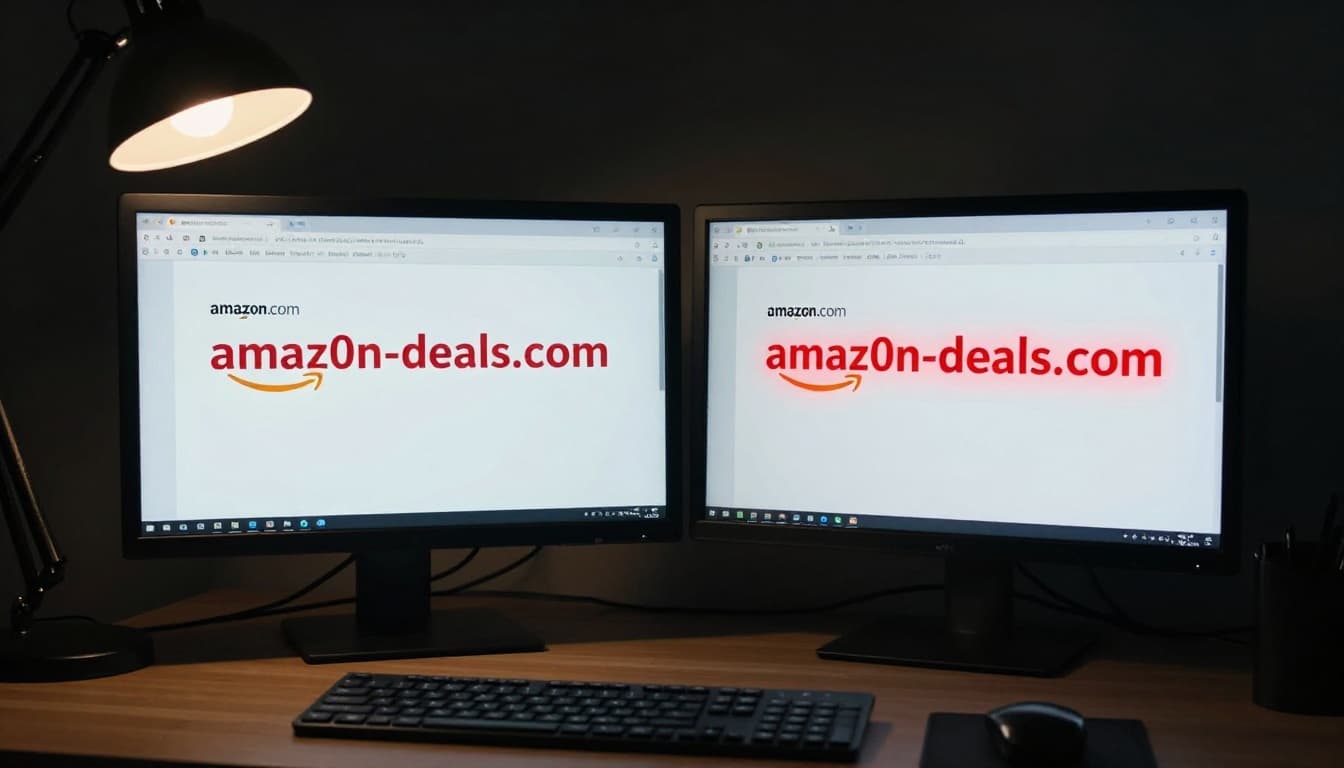
Small changes matter. A fake site may swap a letter for a number, add an extra word, or hide the brand inside a longer string. For a useful breakdown of common traps, see this guide on how to read a URL and spot a fake website.
How scammers make a fake domain look real
Tiny edits are easy to miss, especially on a phone screen. Think about examples like amaz0n.com, paypaI.com, or brand-secure-login.com. That last one may look official at first glance, yet it’s often built to catch rushed clicks.
Odd subdomains also fool people. A link like login.amazon.verify-now.co can look safe because “amazon” appears early. Still, the real site is verify-now.co, not amazon.com.
Less common endings, such as .xyz or .top, deserve extra care too. They are not always bad, but they are common in throwaway scam sites. Shortened links add another layer of risk because you can’t see the destination clearly.
HTTPS helps, but it doesn’t prove a site is trustworthy. It only means your connection is encrypted.
What to check before you click or tap
On a desktop, hover over the link before clicking. On mobile, press and hold if your device shows the full address. If the destination looks strange, don’t open it.
Better yet, type the address yourself. If you’re logging into a bank, retailer, or email service, use a saved bookmark or a search result you trust. That habit feels slow at first, but it’s like checking the street sign before walking into the wrong house.
Look for on-page red flags that make a website feel off
Once the page opens, trust your eyes. A fake site often feels almost right, but not quite. The wording may sound stiff. Buttons may look sloppy. A product page may promise luxury quality while the photos look copied from five different stores.
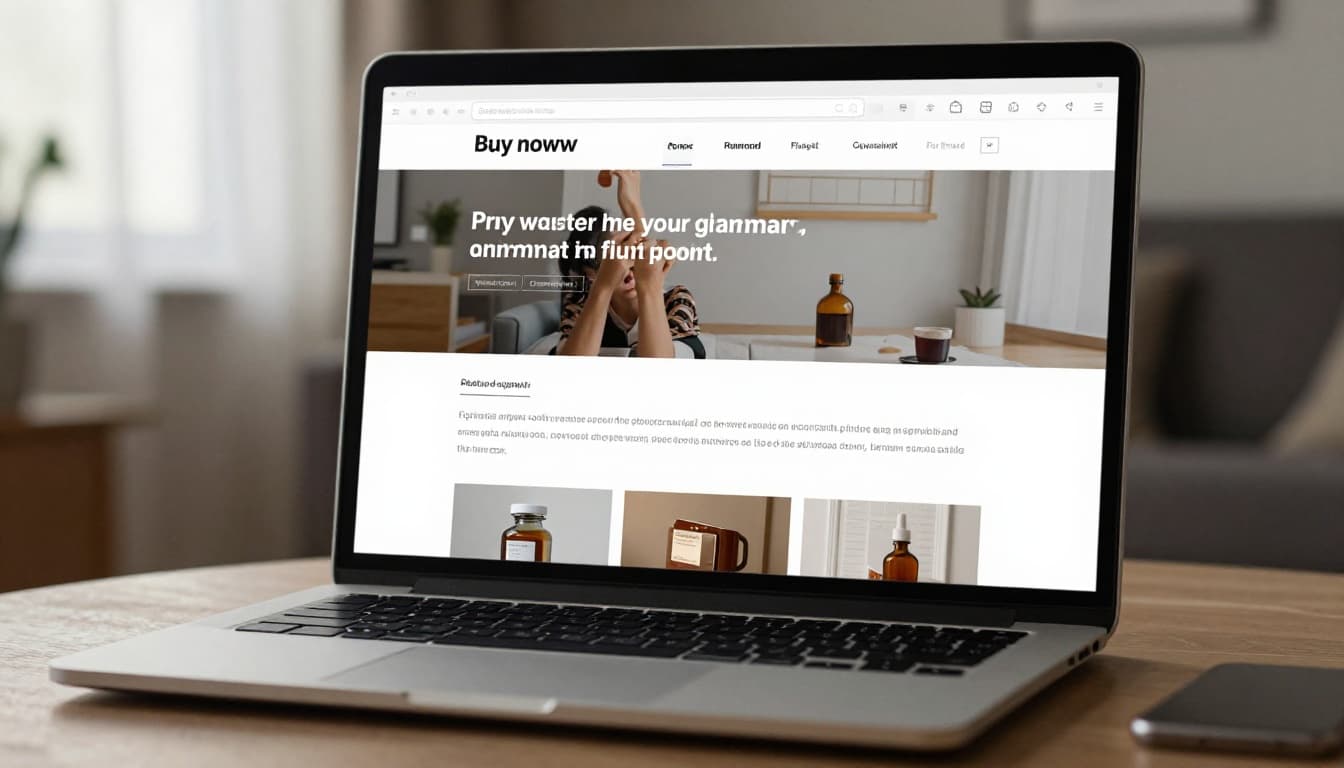
Bad grammar still matters. So do broken links, missing pages, and fake-looking reviews that all sound the same. Yet one warning sign alone is not enough anymore. Many scam pages now look polished because AI helps scammers build them fast. That’s why you should stack clues together.
If you want a broader view of common scam patterns, this overview of how to identify fake websites is a helpful reference.
Signs the content was rushed, copied, or made to trick you
Look for spelling mistakes, mixed fonts, and strange spacing. Those details often show that a page was copied quickly. Repeated text is another clue, especially when the same sentence appears in different places.
Product details should match the pictures and price. If the page shows leather boots but the description talks about a phone case, something’s wrong. Fake stores also love impossible discounts, stock counters that always reset, and reviews that sound generic or overly emotional.
Missing basics matter too. A real business usually has an About page, contact details, and working policy links. If every path leads back to “Buy Now,” step away.
Payment and contact details that should make you stop
The checkout page often tells the truth. If a site asks for a bank transfer, wire payment, crypto, or gift cards, treat that as a major warning sign. Those payment types are hard to reverse, which is exactly why scammers like them.
Safer businesses usually offer credit cards or known payment services. They also show a real address, a working email, and clear return and refund policies. If the store wants your Social Security number for a normal purchase, that’s not a checkout, it’s a data grab.
Watch for pressure tactics, fake deals, and other common scam moves
Scammers don’t only fake websites. They also fake urgency. The site wants you tense, excited, or scared because strong emotion shuts down careful thinking.
That pattern keeps showing up in the US in 2026. Fake online stores, phishing pages, and bogus job sites are still among the most common scam formats, and many now appear through several channels at once. You might see the same fake offer in an email, then again in a text, then in a search ad, then on social media, and finally through a QR code. Repetition makes the lie feel familiar.
For a good look at how modern scams use pressure and impersonation, review Malwarebytes’ guide to recognizing scams.
Why scammers want you to act fast
Urgency is their favorite tool because it stops you from checking the URL or calling the company. Messages like “your account will be closed,” “package issue, confirm now,” or “job offer expires today” are built to rush you.
Fear works well. So does greed. A fake prize, a deep discount, or a limited-time refund can push people into clicking before they think. That’s why “too good to be true” still matters. The bait changes, but the hook stays the same.
How fake stores, fake job sites, and fake support pages hook people
Fake stores often copy real brands, use stolen product images, and run ads for unbelievable deals. You pay, then get nothing, junk, or endless excuses.
Fake job sites use a different angle. They offer remote work, quick hiring, and high pay, then ask for personal details, upfront fees, or bank info. Meanwhile, fake customer support pages target people already stressed. A search result may show a cloned airline, bank, or software help page that exists only to steal logins or payment data.
Simple ways to check if a website is safe before you trust it
The good news is that basic checks don’t take long. Most of the time, you can spot a risky site in under two minutes if you slow down and look in the right places.
Outside checks are your best friend because scam sites control what you see on their own pages. That means you should search for reviews, scam complaints, and domain age before you buy or log in. This practical website safety guide lines up well with that habit.
A quick website safety checklist anyone can use
Use this fast routine before entering payment info or a password:
- Check the domain: Read the full web address, especially the root domain and ending.
- Search the name plus “scam” or “reviews”: Outside complaints can show a pattern fast.
- Verify contact details: Look for a real address, working email, and clear policies.
- Confirm the offer on the official site: If a deal or warning is real, you should find it there too.
- Pause if something feels off: Ask a friend or coworker. A second set of eyes helps.
That short pause often makes the trick obvious. Scam pages thrive on speed, not scrutiny.
What to do if you already clicked or entered information
If you clicked a suspicious link, don’t panic. Move fast and keep it simple:
- Leave the site and don’t download files or open pop-ups.
- Change your password right away, especially if you reused it anywhere else.
- Turn on two-factor authentication for email, banking, and shopping accounts.
- Call your bank or card company if you entered payment details.
- Scan your device with trusted security software if anything downloaded.
If the page claimed to be from a real company, contact that company through its official website, app, or phone number. Don’t reply through the same message or link that started the problem.
A suspicious website usually gives itself away. The clue might be the URL, the page quality, the payment method, or the pressure to act now. You don’t need to catch every trick. You only need to slow the process down.
The next time a page looks polished but feels off, trust that pause. One extra minute of checking can save you from a costly mess.